Argo CD AppProject and Sync Windows
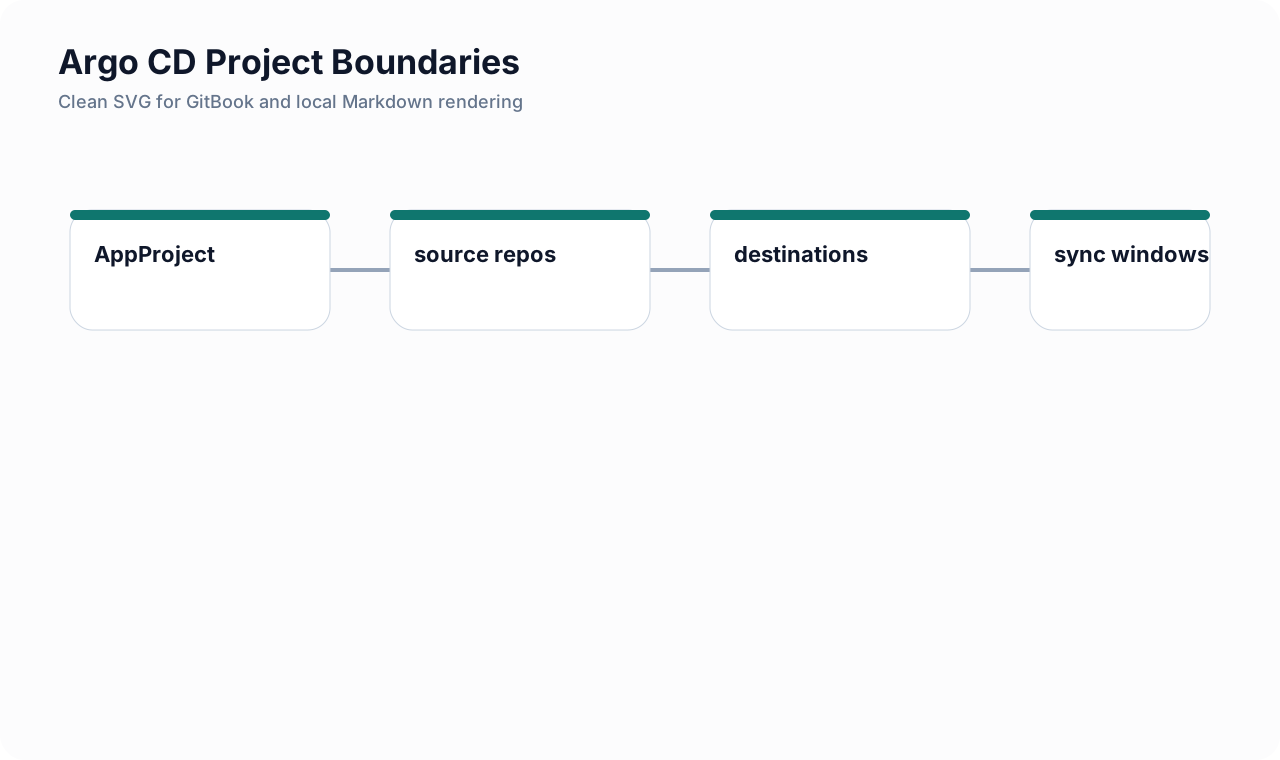
Intro: Argo CD becomes materially safer when you stop treating the
defaultproject as normal and start treating AppProject as your deployment policy boundary. This page shows how to narrow repo trust, destination trust, and change timing so GitOps automation behaves like a controlled release path.What this page includes
- what AppProject is and why it matters
- a production-oriented project manifest with comments
- sync-window patterns for safer production change control
Working assumptions
- Git is not automatically trusted just because it is version-controlled
- production deploy timing is part of release risk, not only an operations concern
Why AppProject matters
AppProject lets you restrict:
- which Git repositories are trusted;
- which clusters and namespaces are allowed destinations;
- which resource kinds may be deployed;
- which roles can act on applications in that project.
The default Argo CD project starts permissive. That is convenient for demos and dangerous for production.
A safer AppProject baseline
apiVersion: argoproj.io/v1alpha1
kind: AppProject
metadata:
  name: payments-prod
  namespace: argocd
spec:
  description: "Production project for payment-facing services"

  # Trust only the repositories that are allowed to define this environment.
  sourceRepos:
    - 'https://gitlab.example.com/platform/payments-manifests.git'
    - 'https://gitlab.example.com/platform/shared-helm.git'
    - '!https://gitlab.example.com/**/personal-*'

  # Limit where this project can deploy.
  destinations:
    - namespace: payments-prod
      server: https://kubernetes.default.svc
    - namespace: payments-shared
      server: https://kubernetes.default.svc

  # Allow only selected cluster-scoped resources.
  clusterResourceWhitelist:
    - group: ''
      kind: Namespace
    - group: networking.k8s.io
      kind: NetworkPolicy

  # Allow namespaced resources needed by the product.
  namespaceResourceWhitelist:
    - group: apps
      kind: Deployment
    - group: ''
      kind: Service
    - group: autoscaling
      kind: HorizontalPodAutoscaler
    - group: batch
      kind: Job
    - group: networking.k8s.io
      kind: Ingress

  # Example role mapped to an SSO group.
  roles:
    - name: deployers
      description: "Can sync payment applications"
      groups:
        - oidc:payments-platform
      policies:
        - p, proj:payments-prod:deployers, applications, get, payments-prod/*, allow
        - p, proj:payments-prod:deployers, applications, sync, payments-prod/*, allow
        - p, proj:payments-prod:deployers, applications, action/*, payments-prod/*, allow

  # Allow prod sync only in defined windows, with manual override behavior explicit.
  syncWindows:
    - kind: allow
      schedule: '0 18 * * 1-4'
      duration: 2h
      applications:
        - 'payments-*'
      manualSync: true
    - kind: deny
      schedule: '0 0 * * 5'
      duration: 24h
      applications:
        - 'payments-*'
What this configuration is doing
| Control | Why it matters |
|---|---|
narrow sourceRepos |
stops unrelated repos from becoming deployment inputs |
explicit destinations |
prevents project sprawl into arbitrary namespaces or clusters |
| resource allowlists | limits high-impact object kinds |
| project roles | ties GitOps actions to named groups |
| sync windows | makes risky deployment times explicit |
Sync window patterns
Production office-hours allow window
syncWindows:
  - kind: allow
    schedule: '0 18 * * 1-4'
    duration: 2h
    applications:
      - 'prod-*'
    manualSync: true
Use when you want automated or manual syncs only during an approved change window.
Weekend deny window
syncWindows:
  - kind: deny
    schedule: '0 0 * * 5'
    duration: 72h
    applications:
      - 'prod-*'
Use when you want to suppress risky production churn during weekends or thin staffing periods.
Namespace-scoped deny rule
syncWindows:
  - kind: deny
    schedule: '0 22 * * *'
    duration: 8h
    namespaces:
      - payments-prod
Use when the risk boundary is the namespace rather than a specific application naming pattern.
CLI examples
# Create a project with one repo and one destination.
argocd proj create payments-prod   -d https://kubernetes.default.svc,payments-prod   -s https://gitlab.example.com/platform/payments-manifests.git

# Add an allow sync window.
argocd proj windows add payments-prod   --kind allow   --schedule "0 18 * * 1-4"   --duration 2h   --applications "payments-*"

# Permit manual sync during the window.
argocd proj windows enable-manual-sync payments-prod 0
Common mistakes
| Mistake | Why it hurts | Better pattern |
|---|---|---|
leaving apps in default forever |
default project is intentionally permissive | create dedicated projects early |
trusting all repos with '*' |
any repo can become deployment input | allow specific repos, deny known-bad patterns |
| allowing all resource kinds | hidden privilege expansion in manifests | whitelist what the product actually needs |
| no sync windows for prod | deploy timing stays accidental | define allow/deny windows and exception rules |
| no project roles | operational access stays broad | map project actions to named groups |
Related pages
- GitLab CI YAML Deep Dive
- Security Quality Gates and Release Blocking
- AWS IAM and Role Design
- Network Policy Patterns
Author attribution: Ivan Piskunov, 2026 - Educational and defensive-engineering use.