Protected Environments and Deployment Approvals
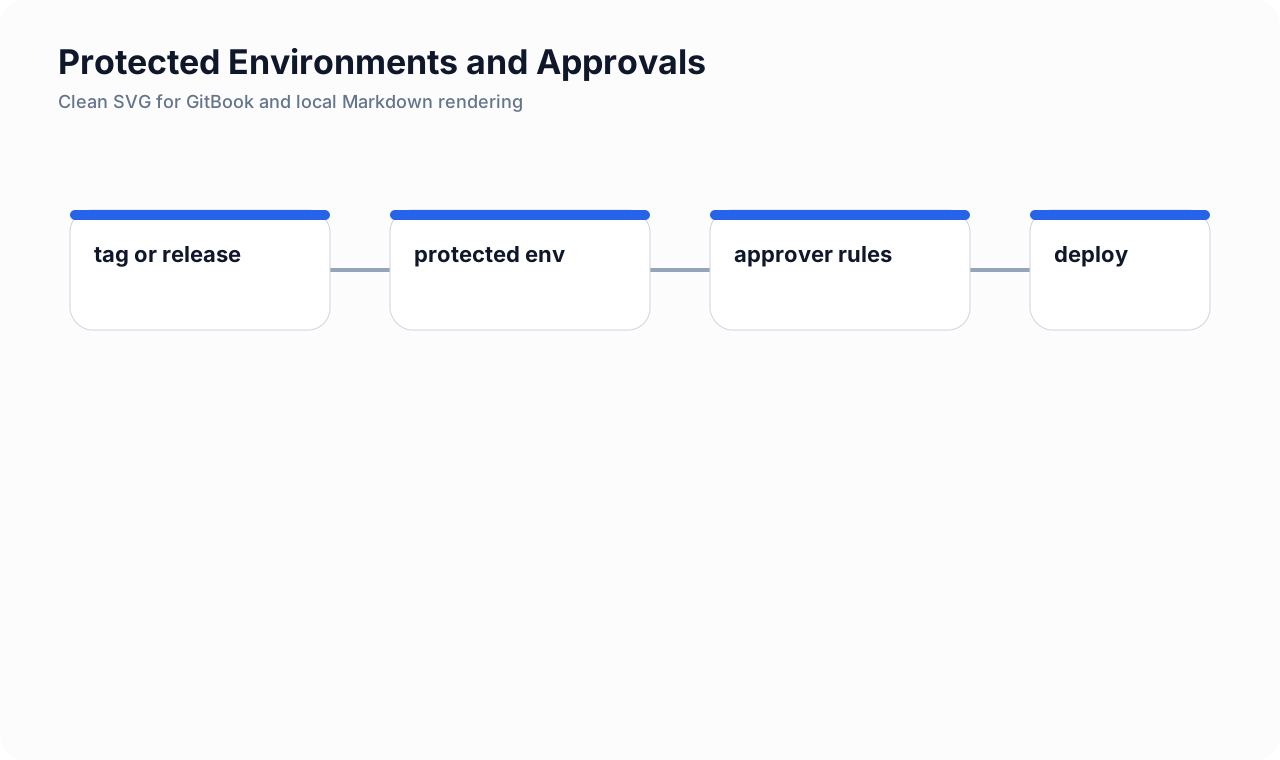
Intro: Protected environments let a team separate the right to push code from the right to deploy risk. That distinction becomes critical as delivery systems mature and different roles share responsibility for software that can affect customers, regulated data, or production stability.
What this page includes
- what protected environments are solving
- practical GitLab patterns for staging and production
- approval models that block release until the right people act
- example YAML and governance notes
Working assumptions
- deployment authority should usually be narrower than merge authority
- approvals should support delivery confidence, not become pure ceremony
What protected environments do
Protected environments are GitLab controls that narrow who may deploy to a named environment such as production or staging.
They help separate:
- development and merge work;
- deployment execution;
- deployment approval.
This is useful when a project wants:
- service owners to merge code,
- release managers to approve deployment,
- operators to run or supervise production deployment,
- security or compliance stakeholders to review higher-risk releases.
Typical production pattern
A practical production posture often looks like this:
- only release jobs target the
productionenvironment; - only protected refs can create those jobs;
- deployment requires explicit approval;
- deploy execution is manual after approval;
- the job runs on a dedicated deploy runner;
- release evidence is attached before or after the deploy step.
Minimal production deploy job
deploy_production:
  stage: deploy
  tags: [ci-deploy-prod]
  environment:
    name: production
    deployment_tier: production
  rules:
    - if: '$CI_COMMIT_TAG =~ /^v\d+\.\d+\.\d+$/'
    - when: never
  when: manual
  script:
    - ./scripts/deploy-prod.sh
This YAML defines the environment, but access control is enforced by GitLab protected-environment settings.
Approval-aware release sequence
A clean sequence is:
- build and test the release;
- run security gates and collect evidence artifacts;
- create a manual production deploy job;
- require environment approval in GitLab;
- after approval, run the deployment manually;
- keep evidence and audit history attached to the release.
Example with release evidence and approval-friendly structure
stages:
  - build
  - security
  - release
  - deploy

security_gate:
  stage: security
  script:
    - python3 snippets/ci/aggregate-security-gate.py
  artifacts:
    paths:
      - security-gate-summary.json
      - security-gate-summary.md
    expire_in: 30 days

create_release:
  stage: release
  image: registry.gitlab.com/gitlab-org/cli:latest
  needs: [security_gate]
  rules:
    - if: '$CI_COMMIT_TAG'
  script:
    - >
      glab release create "$CI_COMMIT_TAG"
      --ref "$CI_COMMIT_SHA"
      --notes-file CHANGELOG.md

deploy_production:
  stage: deploy
  tags: [ci-deploy-prod]
  needs: [create_release]
  environment:
    name: production
    deployment_tier: production
  rules:
    - if: '$CI_COMMIT_TAG'
  when: manual
  script:
    - ./scripts/deploy-prod.sh
The job remains manual, and GitLab environment approvals add another control plane layer before execution.
Who should be allowed to deploy?
A useful decision table:
| Environment | Who may deploy | Common approval pattern |
|---|---|---|
| review | developers or CI automation | none |
| staging | developers, QA, service owners | optional owner approval |
| production | release managers, operators, trusted automation | approval required |
Approval models
Model 1: service-owner approval
Good when a team has strong ownership and relatively low compliance overhead.
Model 2: dual approval
Service owner plus platform or security approver.
Model 3: operations-controlled deployment
Useful in enterprises where operators control higher environments and developers do not deploy directly.
Example governance notes
Production approval rule:
- 1 approval from release-managers
- 1 approval from service-owners
- self-approval disabled
- execution allowed only to ops-deployers group
Even when GitLab allows self-approval in some cases, many teams prefer not to allow the same person to both trigger and approve a high-risk production deployment.
Environment-scoped variables
Protected environments work best when paired with environment-scoped variables.
Example variable strategy:
AWS_ROLE_ARN_PRODscoped toproductionARGOCD_AUTH_TOKEN_STAGINGscoped tostagingBURP_DAST_API_KEYscoped only to the DAST or security environment that needs it
This helps reduce accidental credential bleed into unrelated jobs.
Example deploy guardrails in YAML
deploy_production:
  stage: deploy
  tags: [ci-deploy-prod]
  environment:
    name: production
    deployment_tier: production
  variables:
    DEPLOY_TARGET: production
  rules:
    - if: '$CI_COMMIT_TAG =~ /^v\d+\.\d+\.\d+$/'
      when: manual
    - when: never
  script:
    - test "$CI_COMMIT_REF_PROTECTED" = "true"
    - test -n "$AWS_ROLE_ARN_PROD"
    - ./scripts/verify-release-signature.sh
    - ./scripts/deploy-prod.sh
These checks do not replace GitLab controls, but they make the job's assumptions visible and fail loudly when something is miswired.
Group-level vs project-level protection
Use project-level settings when one repository owns its own release process.
Use group-level protection when:
- multiple product repositories share the same higher environment policy;
- operators manage deployment rules centrally;
- you want staging or production rules inherited consistently across child projects.
Common mistakes
- treating protected environments as optional documentation rather than enforced control;
- allowing general CI runners to execute production jobs;
- mixing broad deploy rights with no approval separation;
- relying on branch naming conventions without protected refs;
- storing production credentials in variables not scoped to the production environment.
Cross-links
- Runner Isolation and Trust Boundaries
- GitLab Release Evidence
- Security Quality Gates and Release Blocking
- Argo CD AppProject and Sync Windows